Finding Bugs with Hypothesis: Calculators and Run-Length Encoding
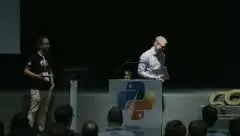
A live Python testing talk. Timed notes follow the calculator and run-length encoding examples, showing how Hypothesis finds bugs.
- Length
- 34:42
- Mode
- Notes
- Credits
- 70
- Sections
- 15
Convert MP4 to text without extracting audio first. Get a transcript and subtitles by default; choose a notes mode to add summaries and chapter notes.
80 free credits across 3 files a week · up to 80 min of transcripts
Real results — open one
Every MP4 to transcript run includes TXT, SRT and VTT exports. Choose a notes mode to also get summaries and chapter notes in Markdown.
[00:05] All right. Up next is Florian Bruhin. [00:08] He's quite a regular at this conference. He's both speaking, helping to organize, and now he's been sponsoring, and he's kind of doing all of it at the same time for this edition of the conference. [00:19] Yes. He's a longtime contributor to and maintainer of pytest, and I guess most of you know about pytest.
1 00:00:05,420 --> 00:00:07,800 All right. Up next is Florian Bruhin. 2 00:00:08,680 --> 00:00:10,380 He's quite a regular at this conference. 3 00:00:10,540 --> 00:00:13,119 He's both speaking, helping to organize, 4 00:00:13,180 --> 00:00:14,280 and now he's been sponsoring, 5 00:00:14,380 --> 00:00:16,380 and he's kind of doing all of it at the same 6 00:00:16,440 --> 00:00:18,320 time for this edition of the conference. 7 00:00:19,080 --> 00:00:24,000 Yes. He's a longtime contributor to and maintainer of pytest,
WEBVTT s1-1 00:00:05.420 --> 00:00:07.800 All right. Up next is Florian Bruhin. s2-1 00:00:08.680 --> 00:00:10.380 He's quite a regular at this conference. s2-2 00:00:10.540 --> 00:00:13.119 He's both speaking, helping to organize, s2-3 00:00:13.180 --> 00:00:14.280 and now he's been sponsoring, s2-4 00:00:14.380 --> 00:00:16.380 and he's kind of doing all of it at the same s2-5 00:00:16.440 --> 00:00:18.320 time for this edition of the conference. s3-1 00:00:19.080 --> 00:00:24.000 Yes. He's a longtime contributor to and maintainer of pytest,
# Finding Bugs with Hypothesis: Calculators and Run-Length Encoding Florian Bruhin demonstrates property-based testing with Hypothesis through a reverse Polish notation calculator and a run-length encoder. Generated inputs reveal bugs that selected examples may miss, while Hypothesis minimizes failures and supports reproducible testing in everyday CI workflows.
| Compare export formats | TXT | SRT | VTT | Markdown |
|---|---|---|---|---|
| What's inside | Lines with a start time | Numbered cues, start and end times | Cues with a WEBVTT header | Summary, key points, timed sections (notes mode required) |
| Opens in | Any text editor | Premiere, DaVinci Resolve, VLC | HTML5 video players | Notion, Obsidian, Markdown apps |
| Best for | Reading, quoting, search | Subtitles in a video editor | Captions on your own site | Study and meeting notes |
| Your edits | Included | Included | Included | Edit notes separately |
Choose it when the file goes into a video editor, a desktop player or an upload form. MP4 to SRT is the most widely accepted subtitle path.
Choose it when captions play in a browser through an HTML5 track. MP4 to VTT keeps the same timing, so the two files always match.
Not sure? Download both. Exporting again is free.
From upload to subtitle file in five steps. The examples below follow the actual steps.
Click Choose file or drop the video into the upload box. MOV and WebM work the same way, one file at a time.
Keep auto-detect or choose a language. Transcript only is the default at 1 credit per minute. Notes only adds summaries and chapter notes for 2 credits per minute; Notes with frames adds video key frames for 4 credits per minute in total.
A 9:58 video counts as 10 minutes, so Transcript only costs 10 credits. After upload, processing starts automatically once the length is verified if your credits cover it; otherwise, choose a range or add credits.
Click a line to jump the video to that moment. Fix a name or a term in place; the change carries into TXT, SRT and VTT.
Download SRT for your editor, VTT for the web or TXT for reading. Markdown notes require a notes mode. Drop the subtitle file onto your caption track.

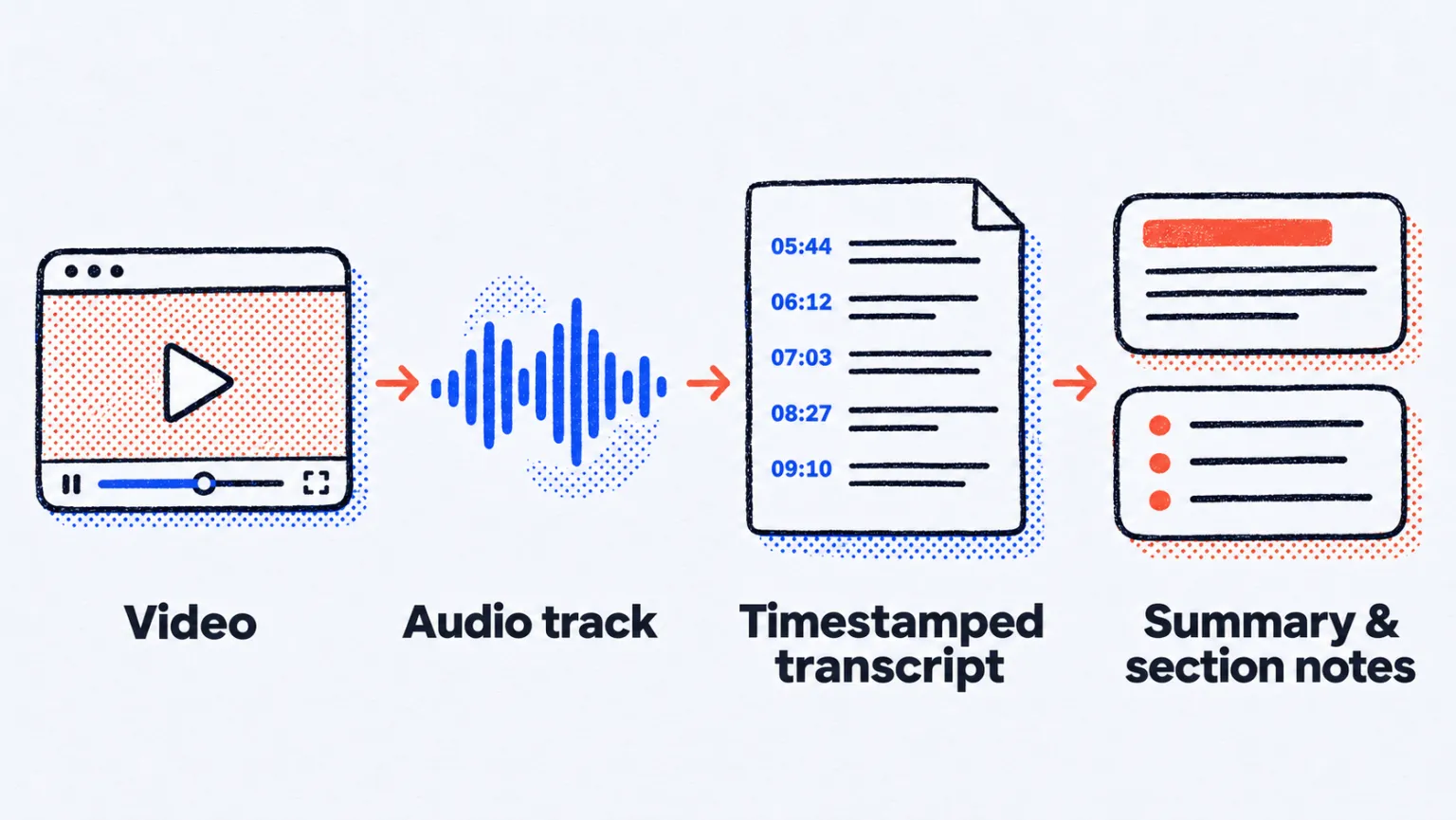
An MP4 holds a picture track and a sound track. An MP4 to transcript job only listens to the sound: speech recognition writes down what is said and marks when each line starts. With notes with frames, the picture track is used too, for key frames.
Clear speech gives the best MP4 transcript. A video with no speech, such as a screen recording set to music, returns little or no text, and loud background music over the voice causes more errors. You can fix any line in place before you export.
MOV and WebM files work the same way, so you do not need an MP4 to text converter for other formats. Upload the file you already have.
A short talk and a long screen recording, processed without edits.
A live Python testing talk. Timed notes follow the calculator and run-length encoding examples, showing how Hypothesis finds bugs.
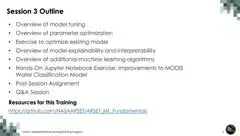
A 99-minute NASA ARSET training session on machine learning for Earth science. Key frames keep the agenda and classification workflow beside the matching notes.
An MP4 to transcript helps anyone with recorded video and a reason to read it instead of watching it again. Three common cases:

Publish an MP4 transcript next to the recording so the talk can be read, quoted and found in search. Pull quotes for posts with their exact timestamps.

Many people watch with the sound off. Add the SRT or VTT export as a caption track instead of typing captions by hand. MP4 to SRT takes one upload, and the cues follow the transcript timing.
Use notes with frames to keep key slides beside the sections they explain.
Choose credits or personal Unlimited. Save up to 35% with annual billing.
Not ready to subscribe? One-time credit packs are available too.See all pricing
Only youFiles, transcripts and notes are visible only to your account.
Deleting a file from your library queues cleanup of its files, transcript and notes. Cleanup may take time.
If the output required by your selected mode is still incomplete after automatic retries, processing credits return to their original sources and expiry dates. Expired or retired credits do not become available again.

Still have a question? Get in touch

Transcribe any video file into timestamped text, with notes when you need them.
Transcribe a video
Podcasts, interviews and voice memos into a transcript you can search and edit.
Transcribe audio
Summaries, key points and key frames from lectures and tutorials.
Make notesGet a transcript, SRT and VTT from one video; choose a notes mode for summaries and chapter notes. 80 free credits every week.